Hey everyone! Chris here from the Palantir product documentation team. This is our AMA with the Workflow Lineage team to share what’s happening behind the scenes and hear about your experiences. This AMA will run asynchronously from Monday, December 1 through Tuesday, December 16, with Workflow Lineage team members monitoring this thread daily and responding to your questions and comments.
For this AMA, I sat down with Helen, team lead for Workflow Lineage. We talked about why one product became two (Workflow Lineage for understanding existing workflows, Workflow Builder for creating new ones), how teams are using bulk operations for massive migrations, and what’s coming in the new Workflow Builder.
Feel free to drop your thoughts in the comments below, and know that we’re capturing your feedback to help shape what gets prioritized and built next. Without further ado, here’s Helen:
How long have you been at Palantir, what’s your role, and what do you do day-to-day?
- Helen: I started in summer 2021, so I’ve been here over four years now. I actually started as a Forward Deployed Engineer and did that for three years before moving into product management. Now, I’m the product manager for Pipeline Builder, Workflow Lineage, and the yet-unreleased Workflow Builder too. Day to day, I’m focused on driving outcomes - whether that’s unblocking devs, talking to users to understand pain points, or prioritizing features.
Let’s start with the big question: Why did Workflow Builder get renamed to Workflow Lineage?
-
Helen: Great question! The short answer is: we realized we were trying to solve two very different problems with one product, and the name “Workflow Builder” only described half of what we were doing.
Over a year and a half ago, we thought the problem was making workflow building easier. But when we talked to users, they kept coming back to a more fundamental issue: “For my existing workflows, how do I even know what’s under the hood? How are they connected?” They couldn’t fix or improve their workflows because they didn’t understand them first.
That’s when we realized we needed to help people understand their existing workflows before we could help them build new ones. The original Workflow Builder was actually much more focused on visibility and understanding than building. So we renamed it to Workflow Lineage to better reflect what it actually does - Workflow Lineage shows you the lineage and dependencies of your workflows, similar to how Data Lineage works.
So there are now two separate products? How do they work together?
-
Helen: Exactly. We split them into two focused tools:
Workflow Lineage is all about visibility and management of existing workflows. It answers questions like “What resources does this workflow use?” and “If I change this property, what breaks?”
Workflow Builder (the new unreleased application) is where you actually build and debug new workflows from scratch. Instead of hopping between six different Palantir platform applications, you get everything in one place with a story-driven approach: “When this happens, do this, then this, then this.”
Think of it like having separate tools that each do one thing really well, rather than cramming everything into one interface. Workflow Lineage helps you understand what you have, and Workflow Builder helps you create what you need.
What does Workflow Lineage actually help you do?
-
Helen: Workflow Lineage gives you visibility into your existing workflows and helps you manage them effectively. Let me give you some real examples:
Property management: In production workflows backed by powerful objects with tons of properties, you can see all downstream usage of each property. Before deleting or editing a property, you can check what else this change might affect in the side panel.
Checking and editing permissions: When extending a production workflow to another organization, Workflow Lineage helps you review all resource permissions. The two-way linkage between graph and application view shows you exactly which widgets or buttons will break if a user lacks permissions.
Bulk operations: Instead of updating actions one by one in existing workflows, we have bulk update options. Add or delete objects across multiple workflows all at once.
AI usage tracking: For workflows running in production, you can track which models you’re using and whether usage is trending up or down with charts and visualizations.
Just these features alone save people tons of time and headaches.
That’s quite a bit of change! Can you show us what Workflow Lineage looked like in the early days?
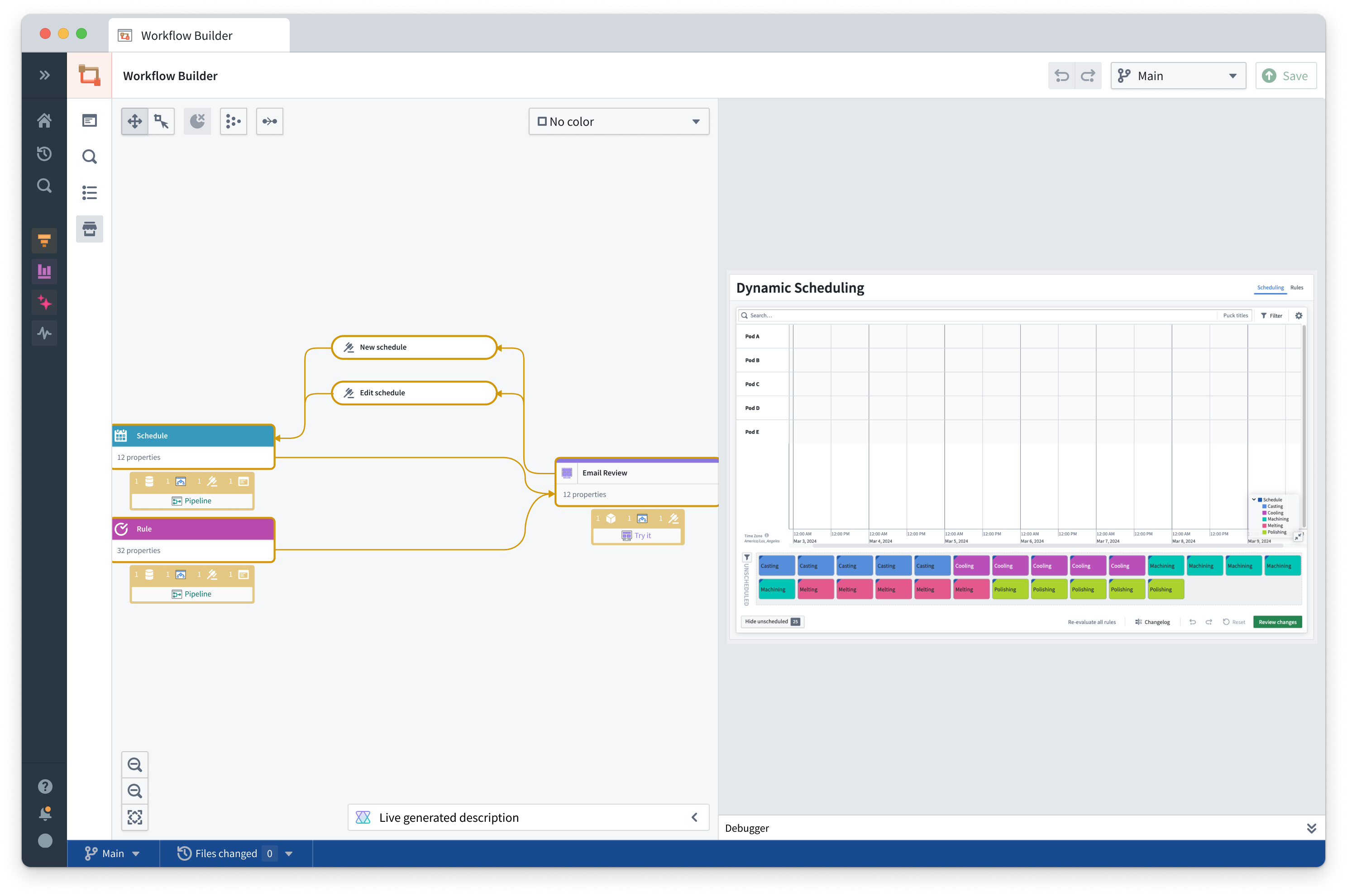
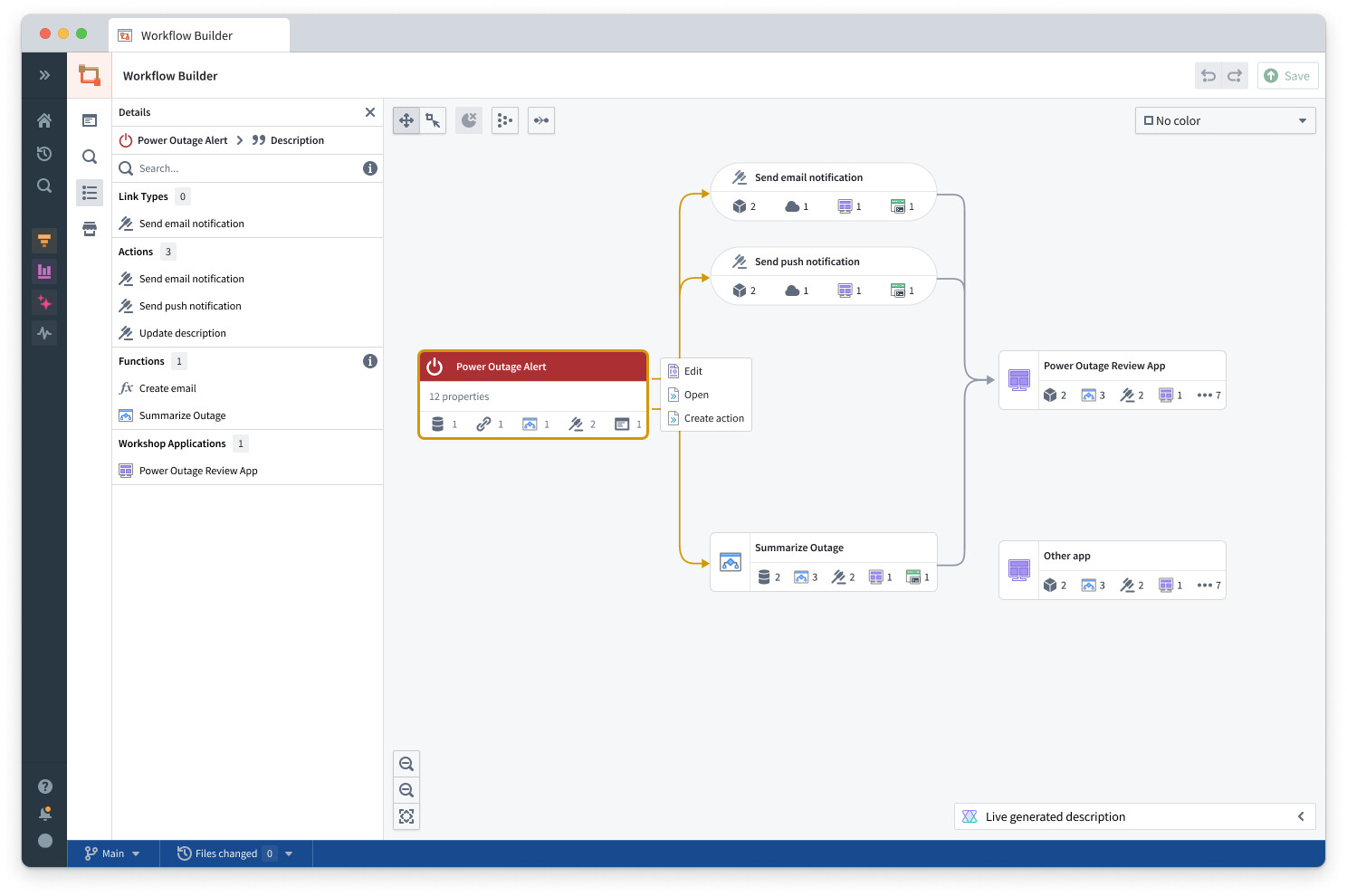
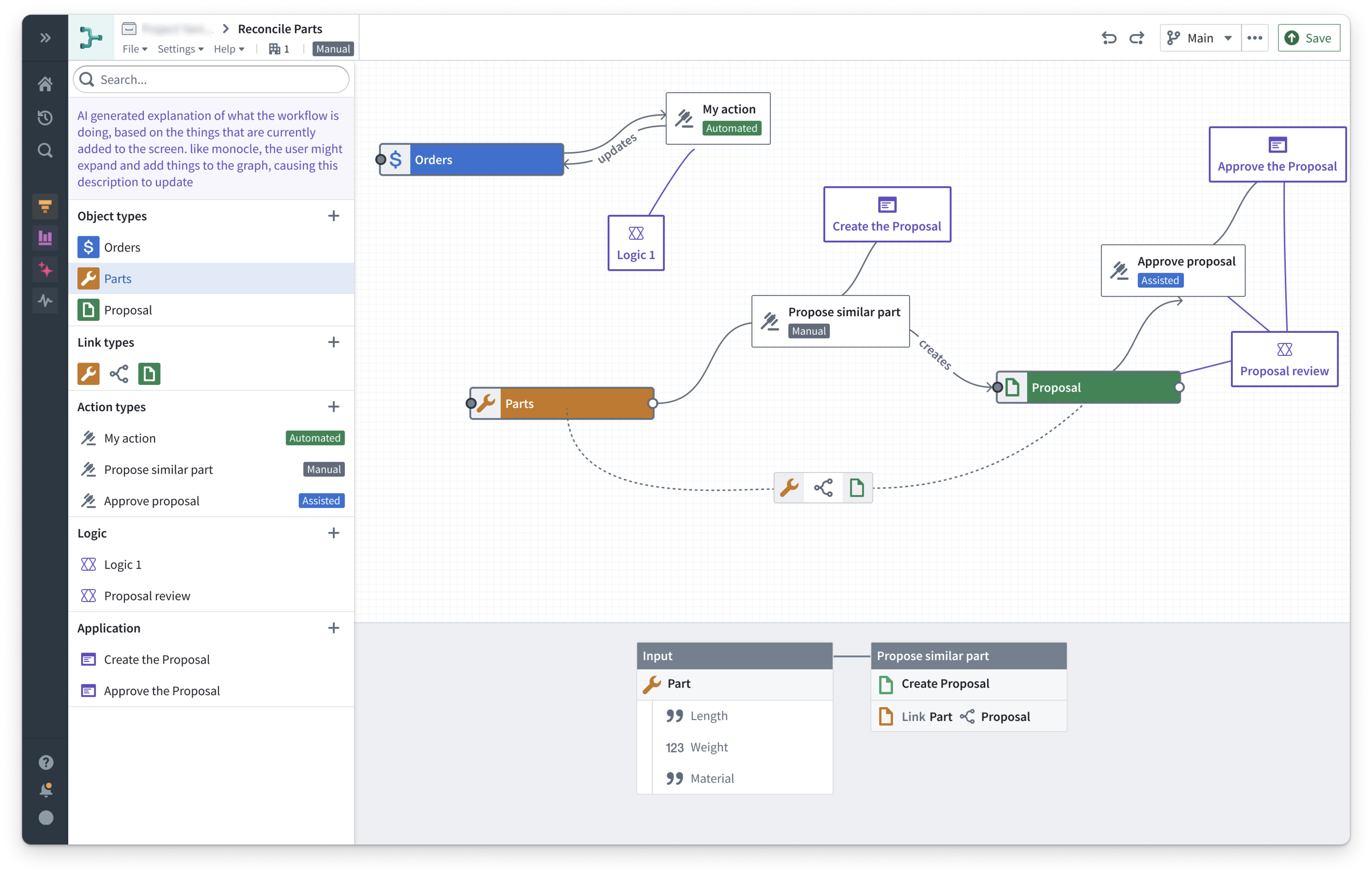
- Helen: Quite a lot actually! Take a look below at some of the screenshots of Workflow Lineage while it was in development, previously known as Workflow Builder. I’ll let these older images speak for themselves, but I’m sure you can see we’ve come a long way.

What’s new in Workflow Lineage since the rename?
-
Helen: We’ve added support for a lot of different node types - AIP Agents, Object Views, interface nodes, Notepads (coming soon), and more. One cool feature: you can now see all usages of a specific model (like GPT-5), which might reveal hundreds of applications using it.
The biggest change is actually under the hood with a new backend service called FDS - Foundry Dependency Services. FDS is honestly a game-changer. It’s a centralized service where products across the entire Foundry platform can register their dependencies, which means Workflow Lineage can now show you a complete picture of how everything connects together. We’re talking functions, objects, pipelines, Workshop apps - all of it in one graph. The scale and completeness we can provide now just wasn’t possible before. Combined with all the new node types we’ve added, you’re getting visibility across your entire platform that actually helps you make confident decisions about changes and migrations.
One thing I want to call out - the devs deserve a huge shoutout for the work on FDS (Foundry Dependency Services). Building a completely new service where all these different products across the company can register their dependencies took over a year, and Workflow Lineage reaching general availability was dependent on its completion. We knew once we had this, we’d have an actual production-grade service that could reliably track dependencies across the platform.
We’re comfortable with the rename to Workflow Lineage and classifying it as general availability because it’s clear what the value add is - actual visibility into your workflows. And new workflow creation is focused in the new Workflow Builder, that will be coming in the next while.
Can you tell me about a time when user feedback changed your product direction?
- Helen: This is actually the origin story of the rename! We thought the problem we needed to solve was making workflow building easier. But when we talked to users, we realized the more urgent problem was just understanding how their existing workflows connected together. That realization led us to focus on visibility first with Workflow Lineage, then tackle the building experience separately with the new Workflow Builder. It was a good reminder to validate assumptions before diving into solutions.
How did you end up working on these products?
- Helen: The original team that built Pipeline Builder came up with what became Workflow Lineage. That’s why you’ll see similarities in the frontend between these apps. They’re all very graph-based. I was already on the Pipeline Builder team, and when I found out what they were doing with Workflow Lineage, I started helping out and eventually joined full-time. Now I work on both Pipeline Builder and the Workflow products.
Can you share a real-world success story of our clients using Workflow Lineage to achieve a goal?
- Helen: We’ve talked to implementation teams performing crazy migrations using bulk edits. Going from dev to production, ripping out objects and putting new ones in, replacing properties across dozens of workflows. Because Workflow Lineage exists, these migrations become manageable instead of massive undertakings. Usage metrics have actually tripled since the beginning of the year.
What’s a Workflow Lineage feature you wish more developers knew about?
- Helen: Definitely the keyboard shortcut to jump straight into Workflow Lineage! On macOS it’s
Command+I, on Windows it’sCtrl+I. You don’t need to manually build your graph from scratch. Just open a Workshop application, functions repository, or even a single object in Ontology Manager, hit the shortcut, and there it is - the graph automatically populates with all the underlying resources. You’ll see the objects, actions, and functions that back your application all laid out for you. We’re adding support for even more entry points too, so you can jump into Workflow Lineage from wherever you’re already working.
And finally, can you give us a teaser on the new, yet-to-be-released Workflow Builder?
-
Helen: We gave a preview during DevCon in November, but just to share a bit now, the new Workflow Builder will be built on the existing backend of Automate, Functions, and Logic, but you get all the functionality in one place. No more hopping between multiple apps hoping everything connects properly.
You have compute nodes where you can use existing functions, pro-code if you prefer that, or low-code options similar to Logic and Pipeline Builder expressions. We’re really focused on walk-up usability.
One of the coolest new features coming up: you can see how an object flows through your workflow. The boxes highlight in green if successful or red if there’s an error. Right now, when something goes wrong, people have to rerun everything with a test object. With the new Workflow Builder, you see the exact path it took. We’re hoping to add a heat map view too, where you can see across all your objects where failures are happening most often.
Now, our Workflow Lineage team wants to hear from you! Help us shape the future by sharing your thoughts on these questions:
- Where has Workflow Lineage been the most helpful to you? What are your favorite or most-used features?
- Are there any features we could add to Workflow Lineage to help you out even more? Keep you more engaged with the application?
Drop your thoughts in the comments below - your real-world experience using these tools is exactly what we need to hear to build better products for everyone!

